For photographers
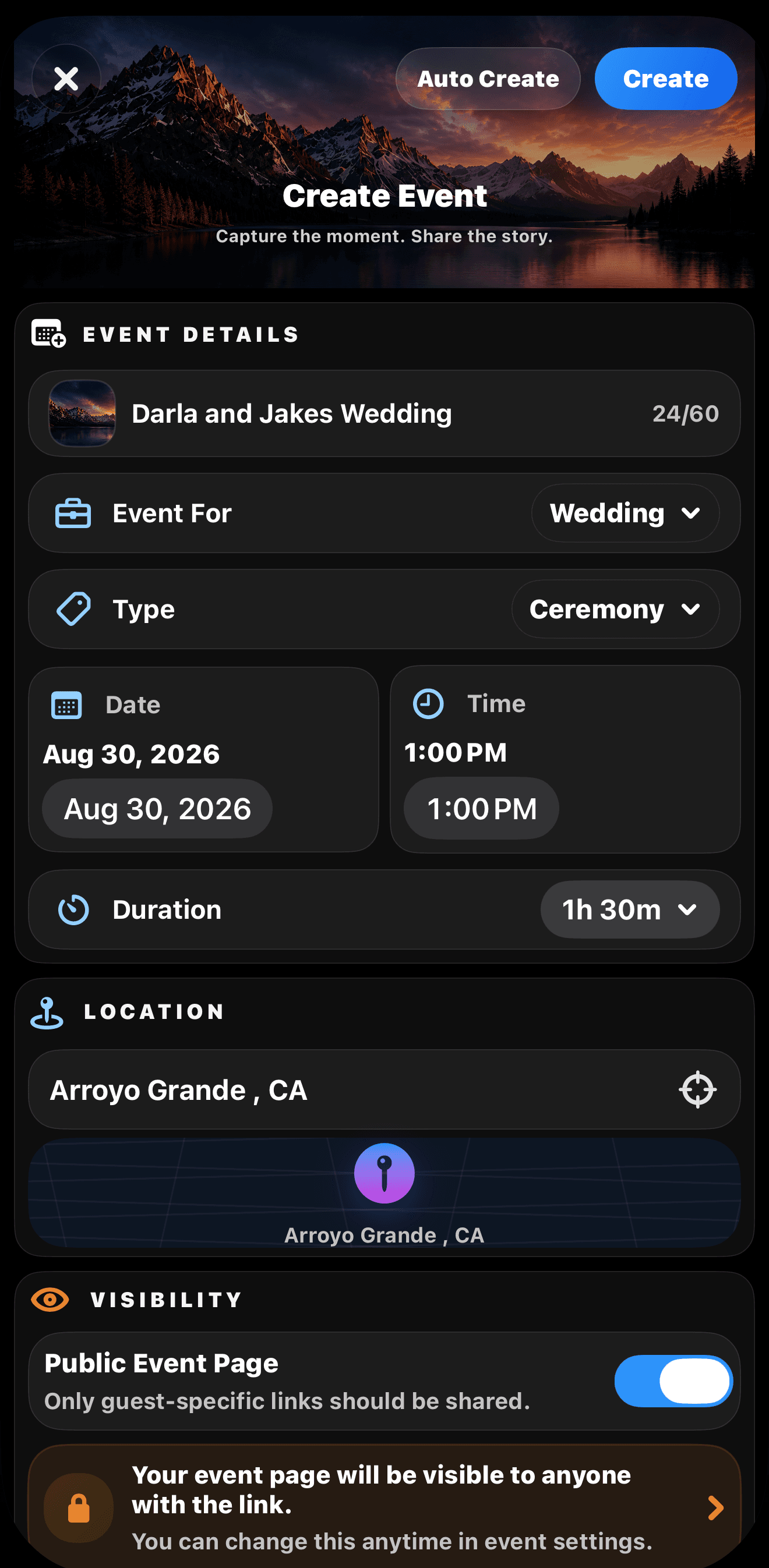
Build the right gallery for each client: wedding delivery, event recaps, school sessions, fundraiser walls, headshot proofing, or personal photo links.
 Join Event
For photographers by photographers
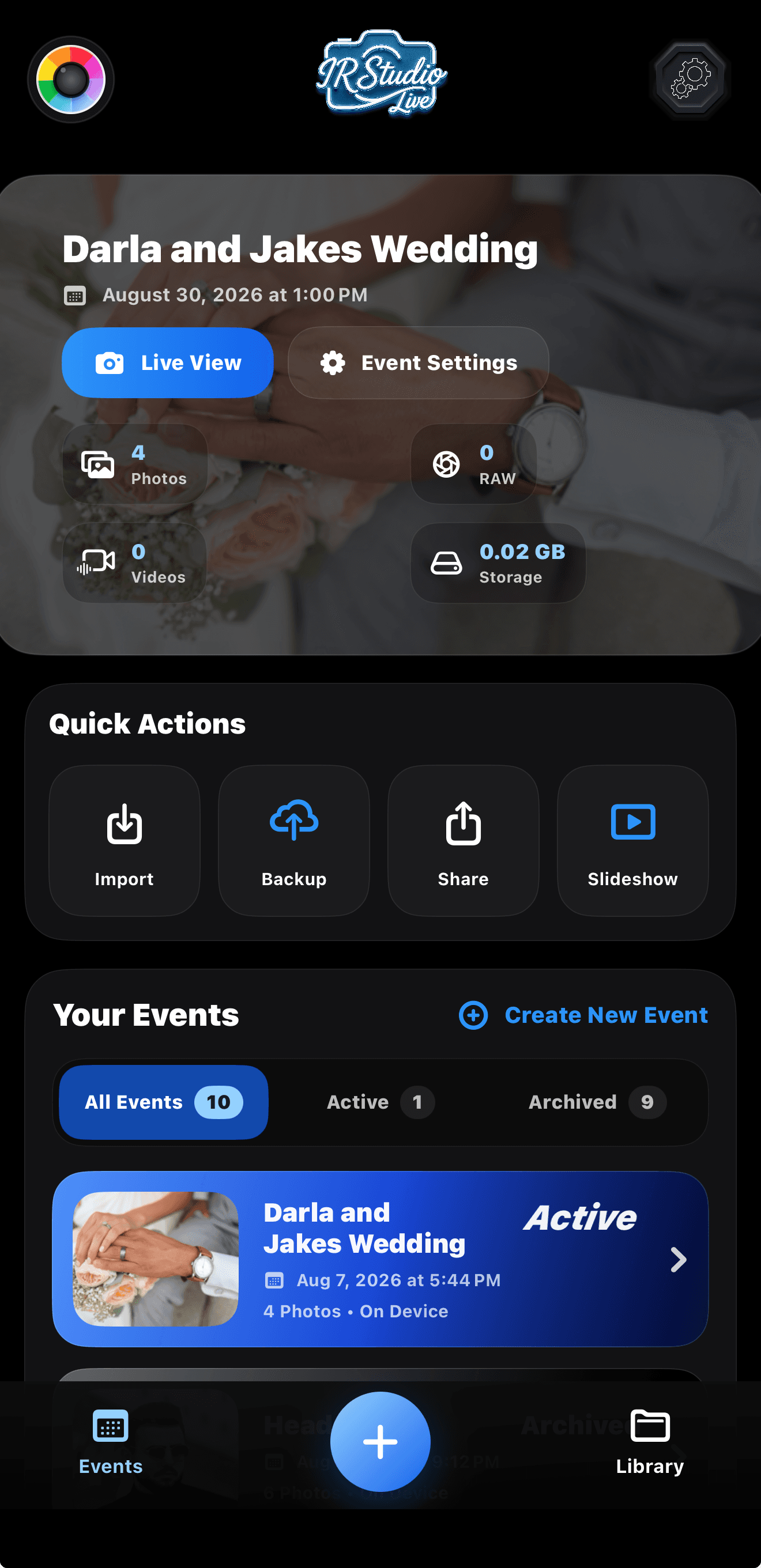
IR Studio Live is built for real event pressure: shoot, approve, publish, proof, sell, and deliver without making guests wait for a gallery days later.
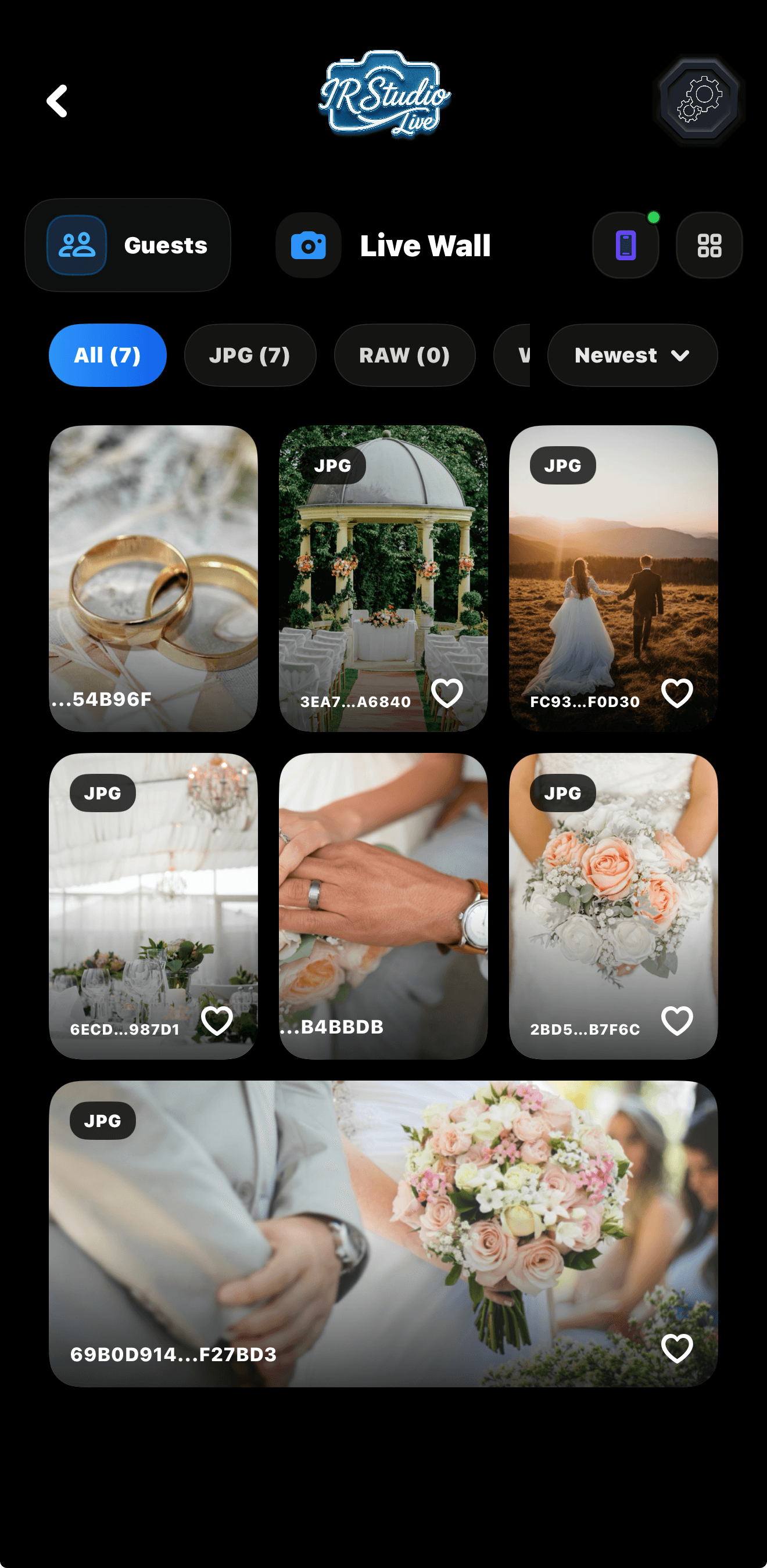
Capture at the event and publish approved moments while guests are still engaged.
Run a live wall, private guest access, client proofing, and digital sales from one workflow.
Keep the photographer in control before anything goes public.
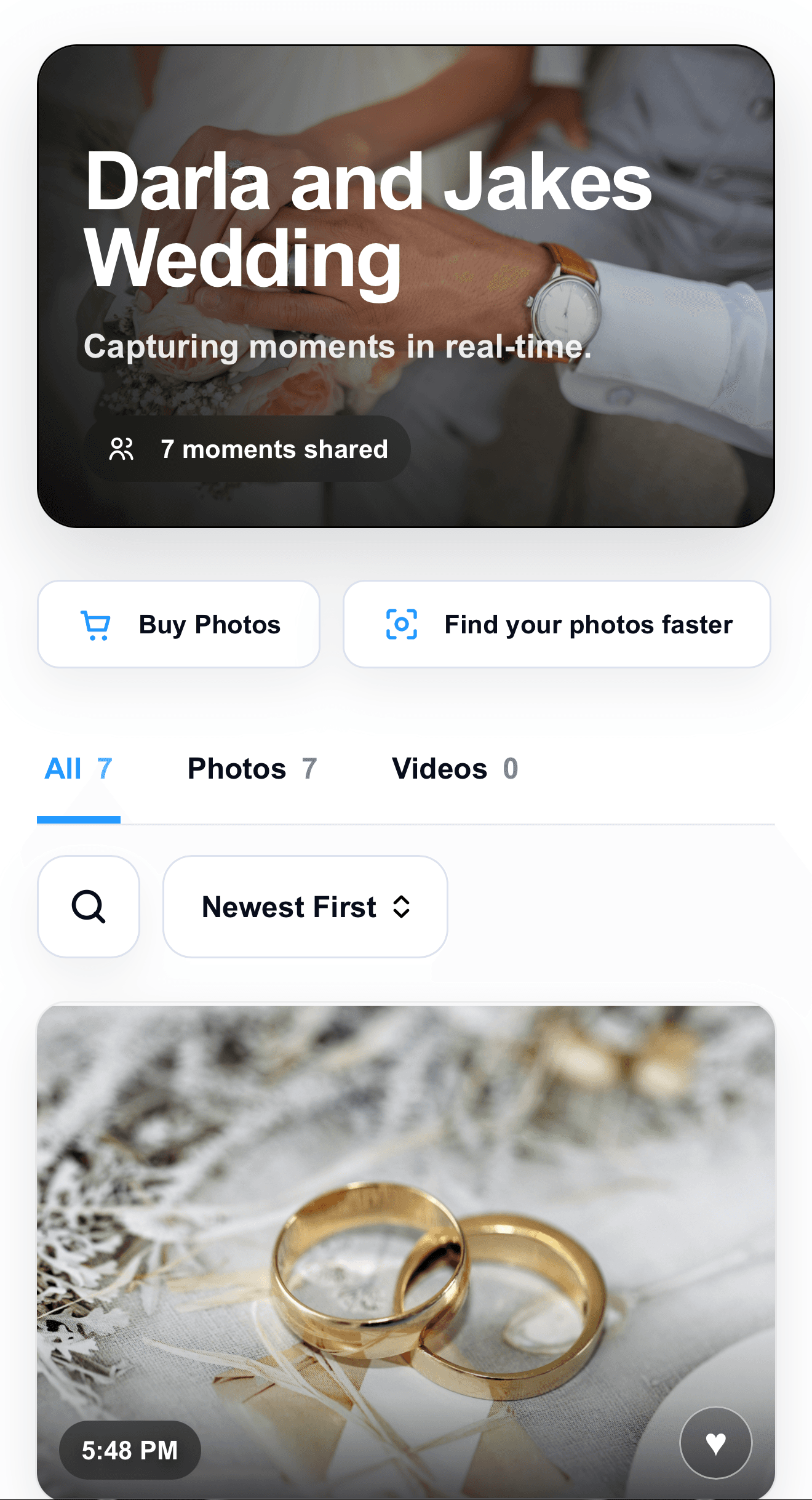
Endless Possibilities
IR Studio Live gives photographers a flexible event system for galleries that can be public, private, proofing-ready, or sales-ready depending on the job.
Build the right gallery for each client: wedding delivery, event recaps, school sessions, fundraiser walls, headshot proofing, or personal photo links.
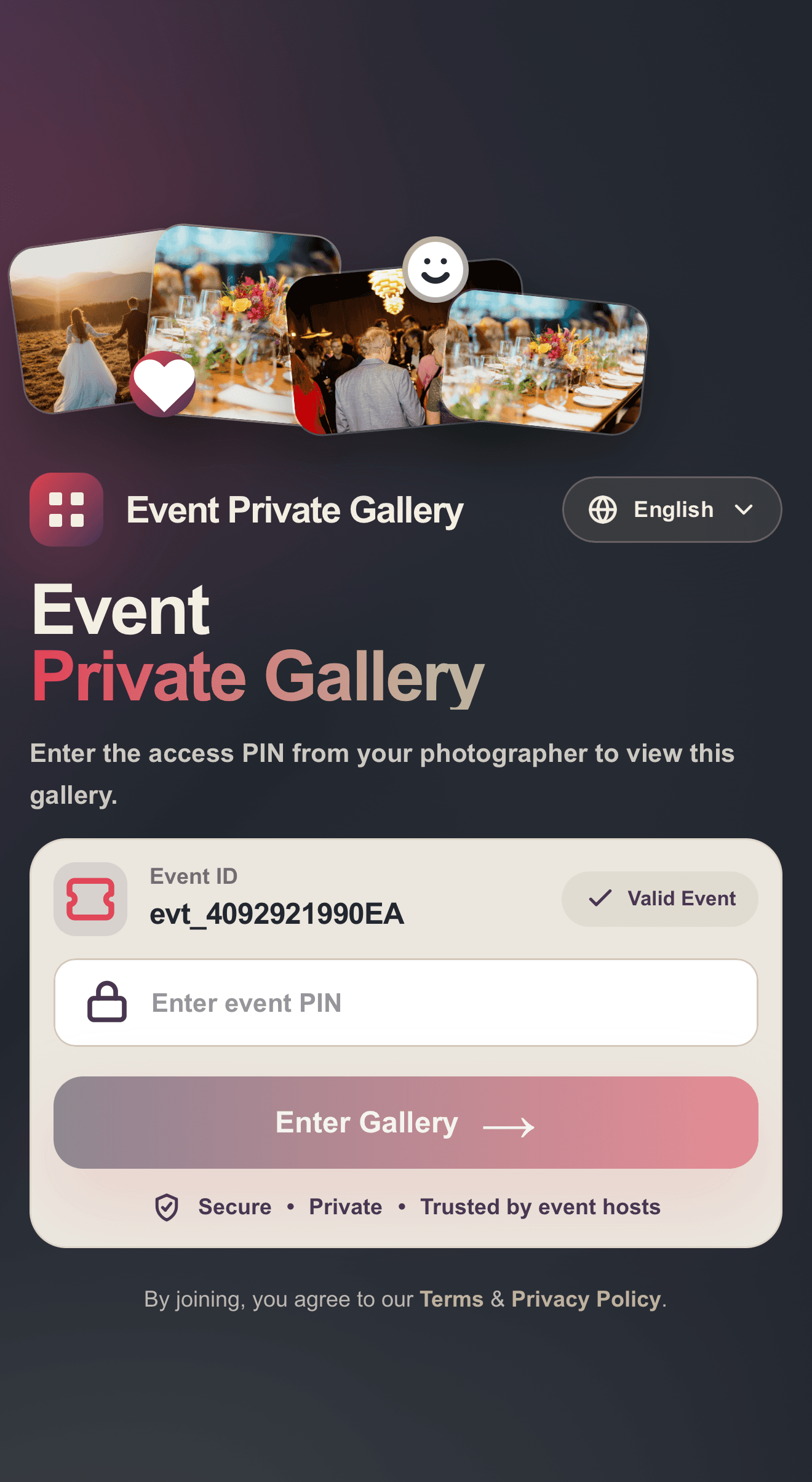
Share event PINs or private links with supporters so they can view, save, and purchase photos or videos from the moments they care about.
Creator platforms
Streamers and content creators can use IR Studio Live as a professional sales gallery for their audience, turning live moments into supporter-owned photos and videos without sending people through a messy folder or manual checkout.
Camera Connection
IR Studio Live supports fast mobile shooting with the iPhone camera, plus camera transfer workflows for supported bodies. Use the path that keeps photos moving into the Live Wall with the least friction at the event.
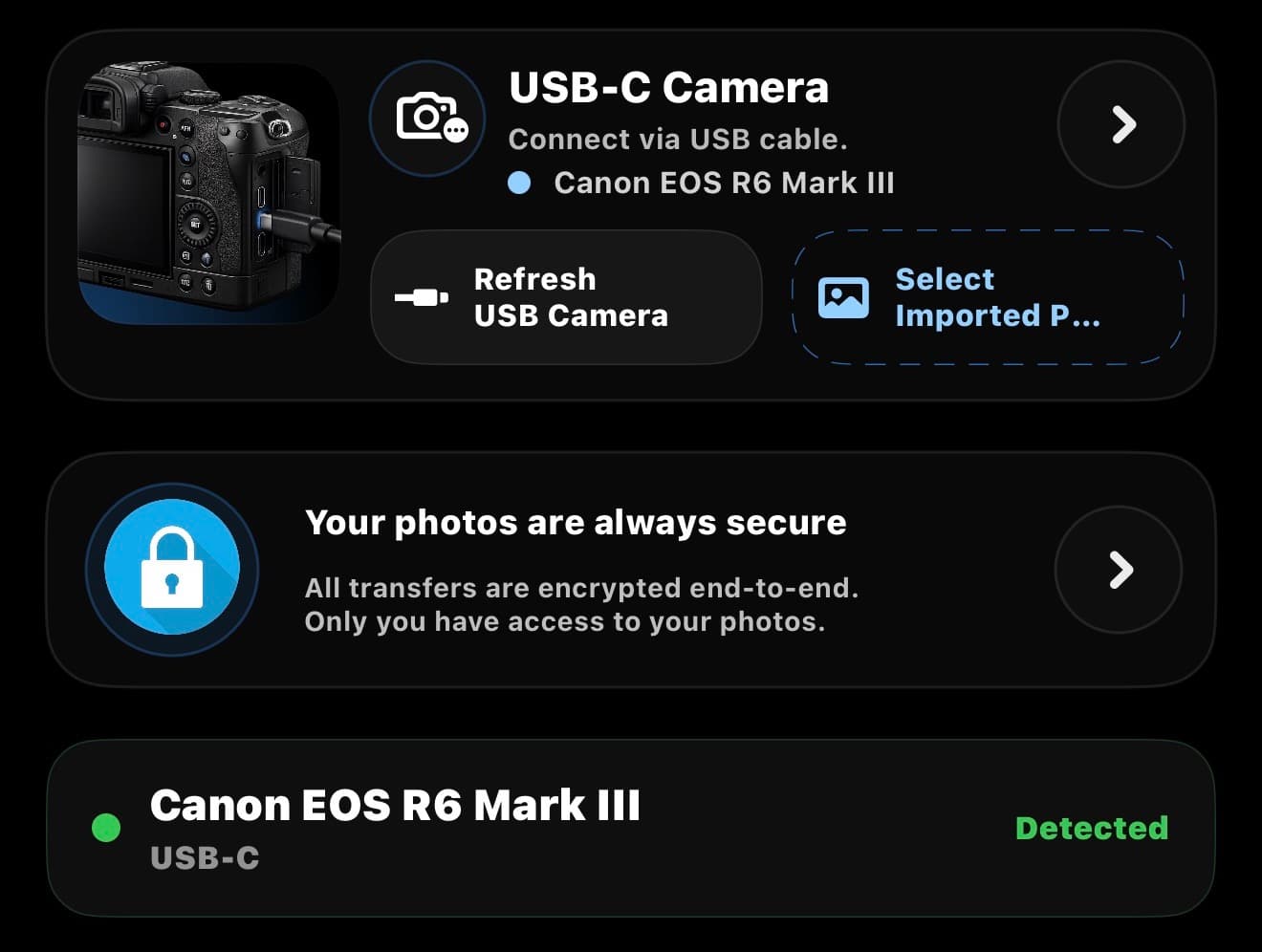
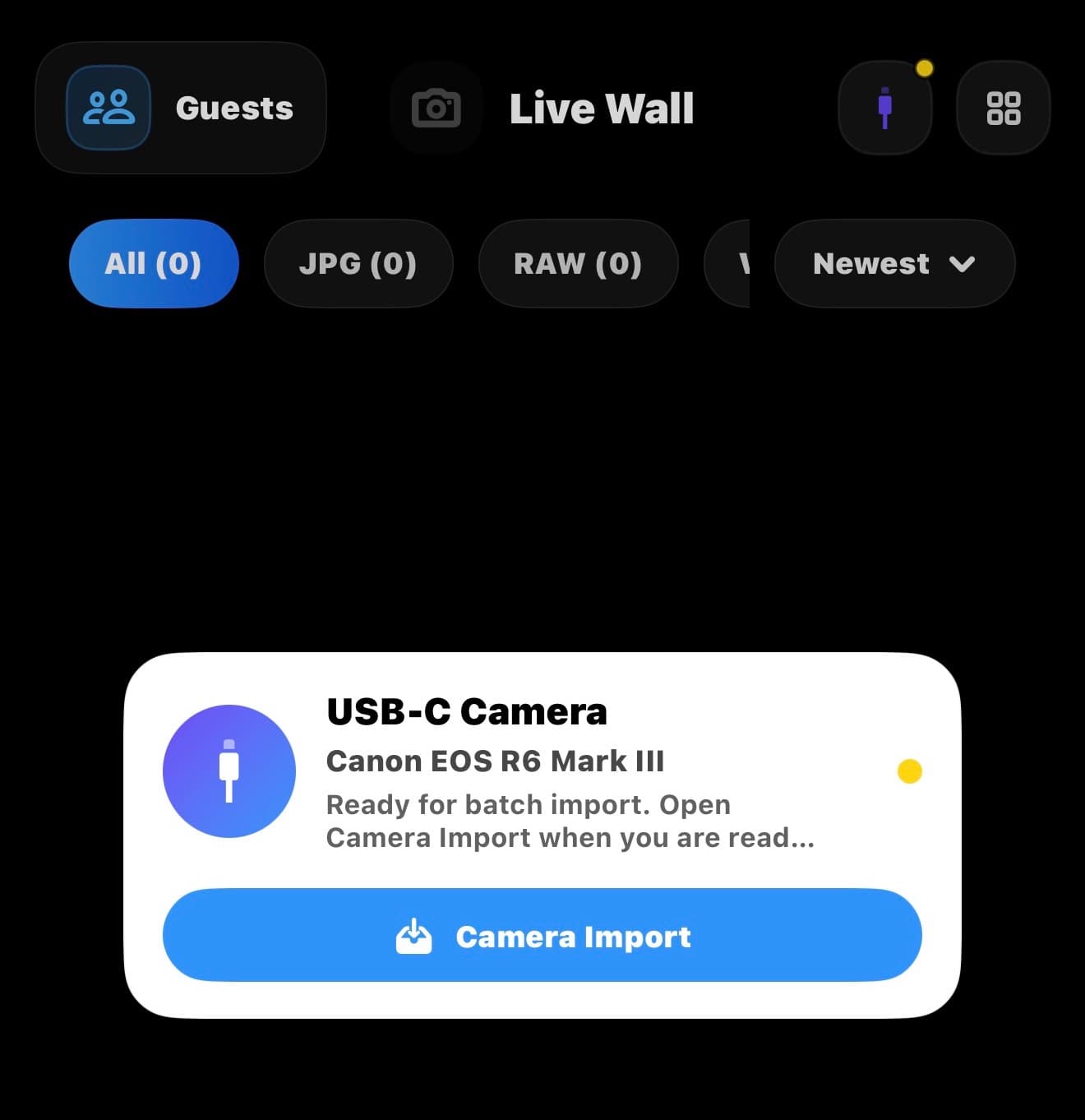
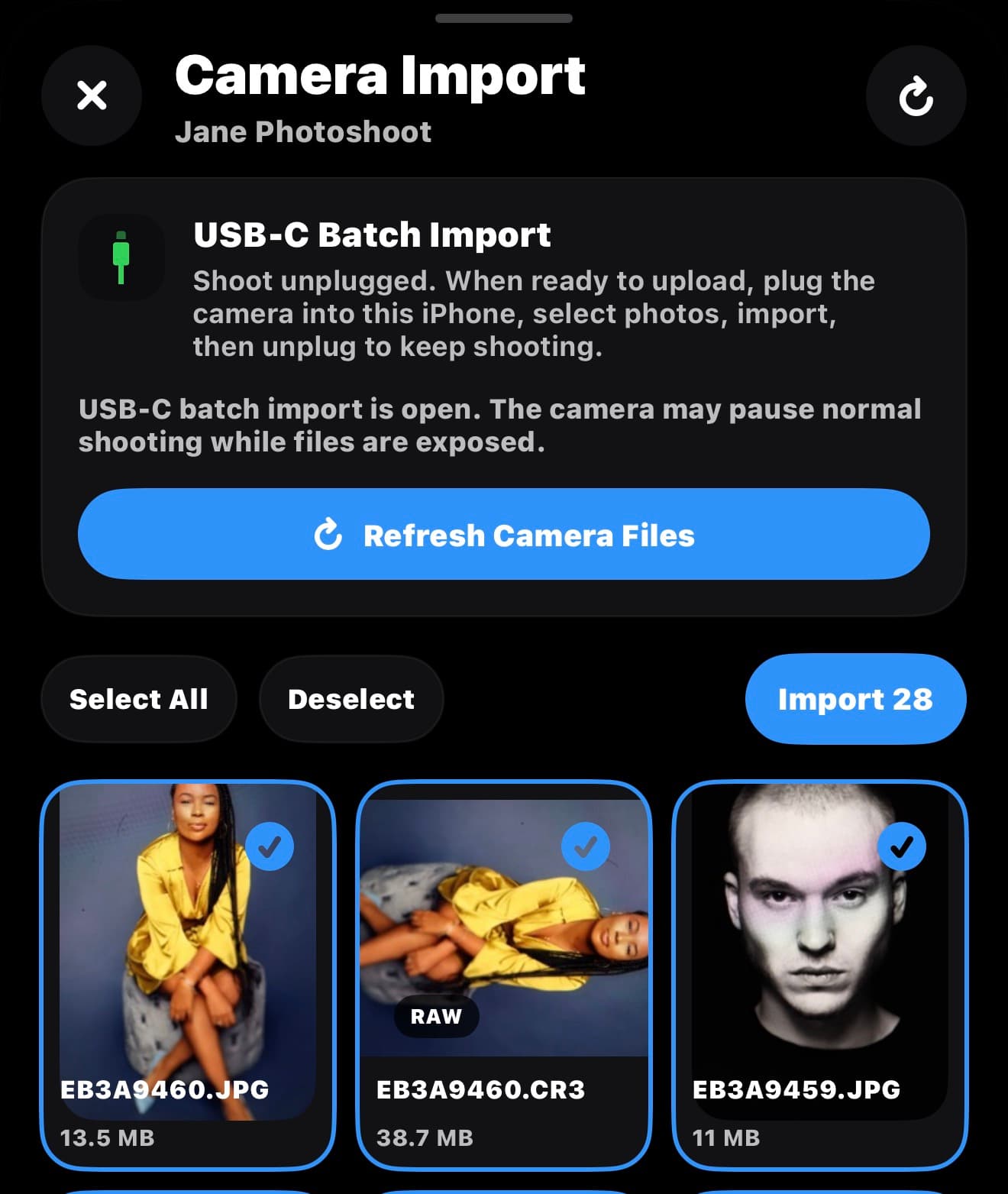
Capture the event on your camera like normal. When the room gets loud and the best shots are ready, plug the camera into your iPhone, choose the keepers, and send them straight to the Live Wall. No pricey tether box, no laptop table, no fragile Wi-Fi dance.
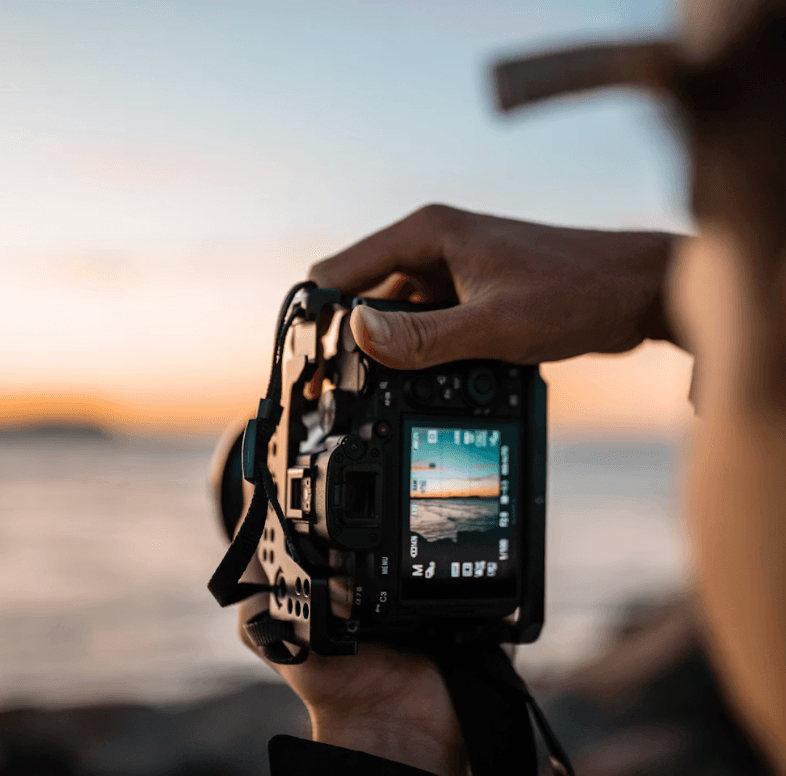
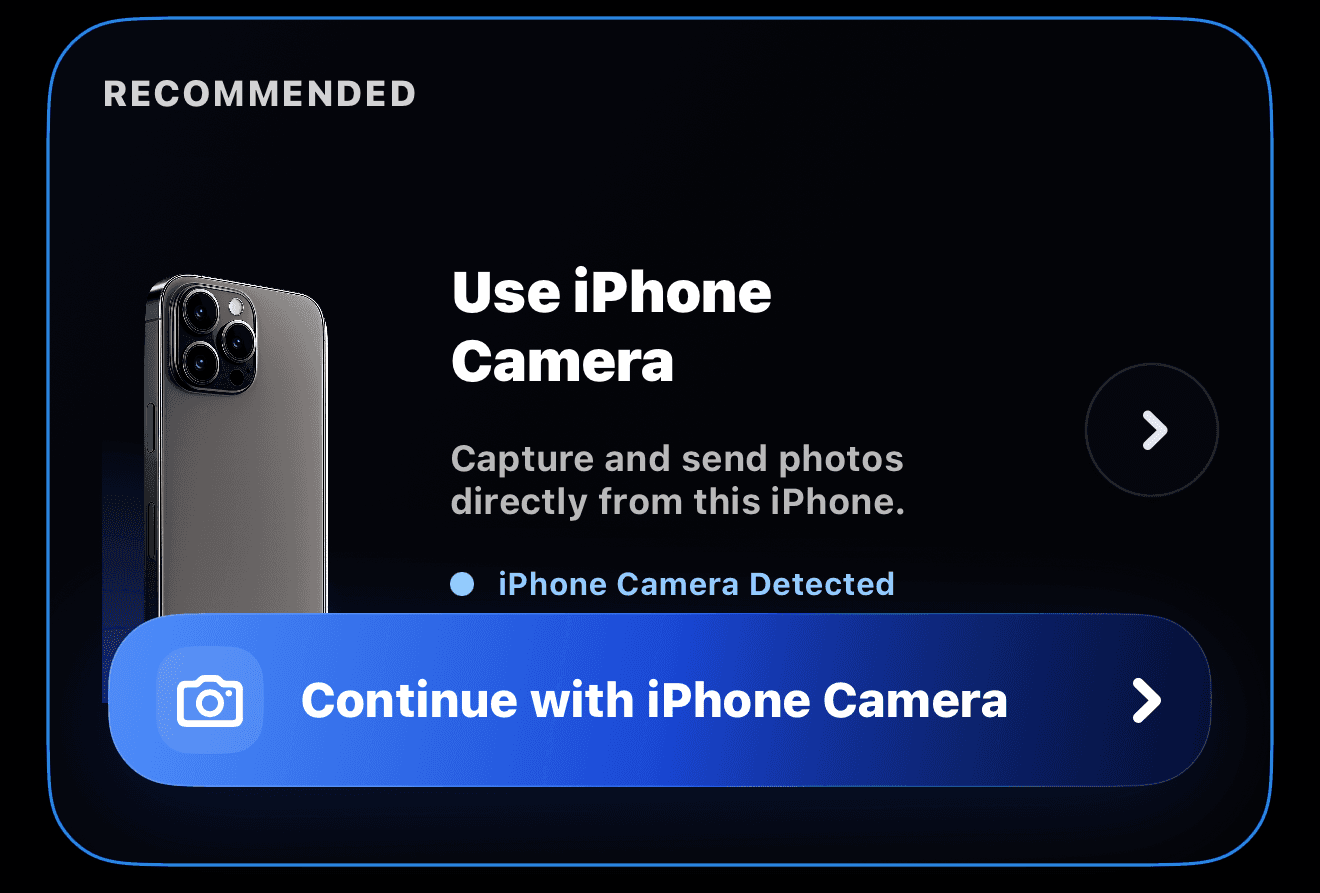
Use the phone camera directly for live event capture, quick approvals, videos, and instant uploads to the Live Wall.
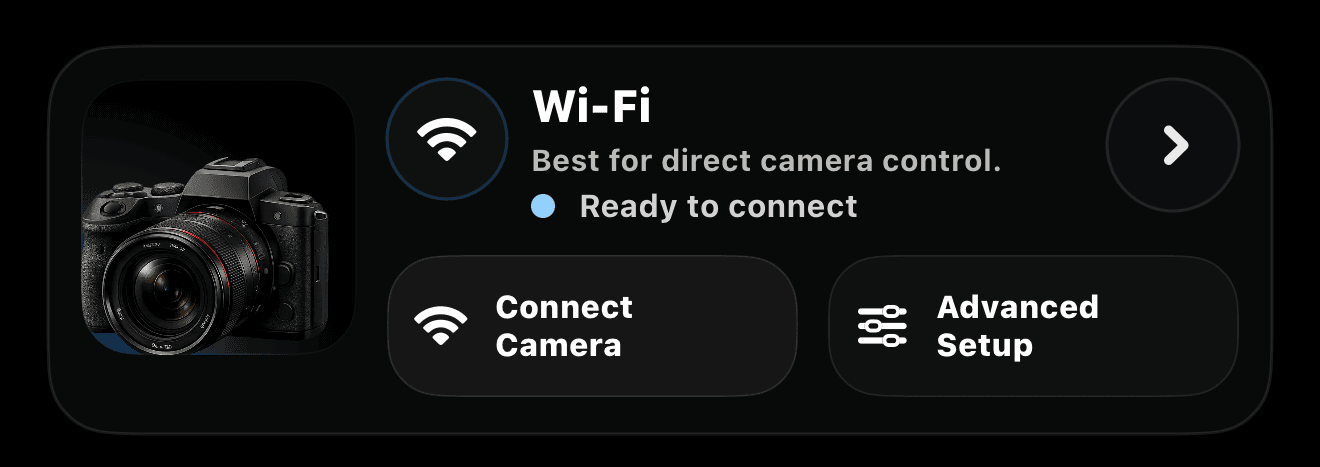
Connect supported Canon cameras over Wi-Fi using Canon's Camera Control API path where the camera model supports it.
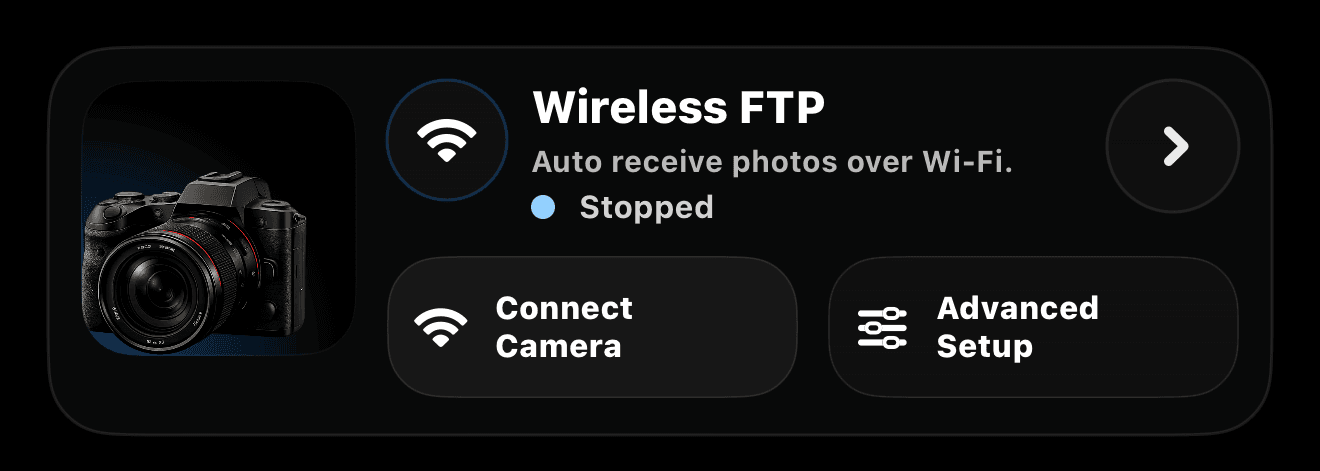
Use cameras that can send photos over FTP. The app shows the local host, port, username, password, and folder path.
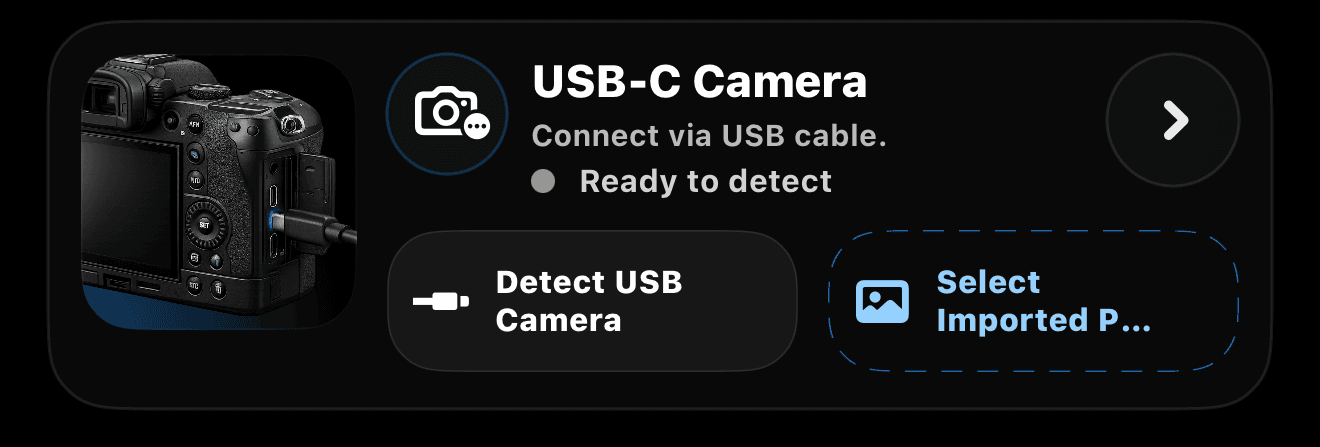
The simplest way to move professional camera photos into the Live Wall during the event. Shoot freely, plug in when you are ready, pick the winners, and upload fast.
Camera support depends on each camera model and the transfer features enabled by the manufacturer. For the smoothest live-wall workflow, use the built-in iPhone camera or a camera that can send JPEG files over Wi-Fi/FTP during the event.